ATS friendly resume format, explained simply
A clear format helps both the software and the person who opens your file next.
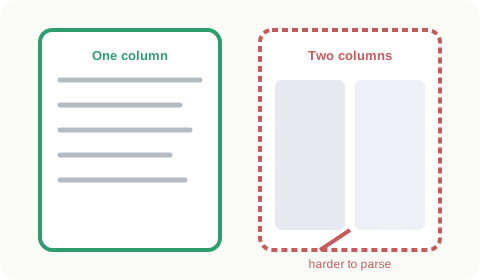
The best layout
A single column, read from top to bottom. Most people use reverse chronological order, newest job first. Hybrid layouts with a skills section near the top also work, as long as they stay in one column.
Section headings to use
Contact Information, Summary, Work Experience, Education, Skills, Certifications. Avoid creative titles like "Where I have been". Systems look for familiar words.
Fonts and sizes
Body text at 10 to 12 point in a common font. Headings a little larger and bold. Skip script or decorative fonts.
Dates, titles and bullets
Put job title, employer, location and dates on clear lines. Use one date style everywhere. Standard round bullets are safest.
Word or PDF
Use what the posting asks for. If nothing is stated, a text based PDF or a .docx are both common choices. Our templates come ready for both to be confirmed.
Format mistakes to skip
- Tables and text boxes
- Headers and footers holding contact details
- Graphics, logos and photos
- Hidden white text keywords. Recruiters see it, and it looks bad.
One page or two?
One page for early career, two is fine with a longer history. Content matters more than length.
Can I use a resume template in Word for ATS?
Yes, if it avoids tables and text boxes. Many built in Word templates use them, so check.